What is the average distance between points in a square?

In my family we love riddles, puzzles and mathematical challenges and it’s not unusual that we share weird problems via our whatsapp group. A couple weeks ago, we received the following question from my brother Alvaro: “what is the average distance between two points in a square?”

Solving this problem mathematically with integrals exceeds my current level of skill, but I realised it would be rather easy to solve this for a discrete amount of points in a square NxN matrix. I could solve it for a matrix of 10×10, 20×20 and see whether the solution converged to a number.

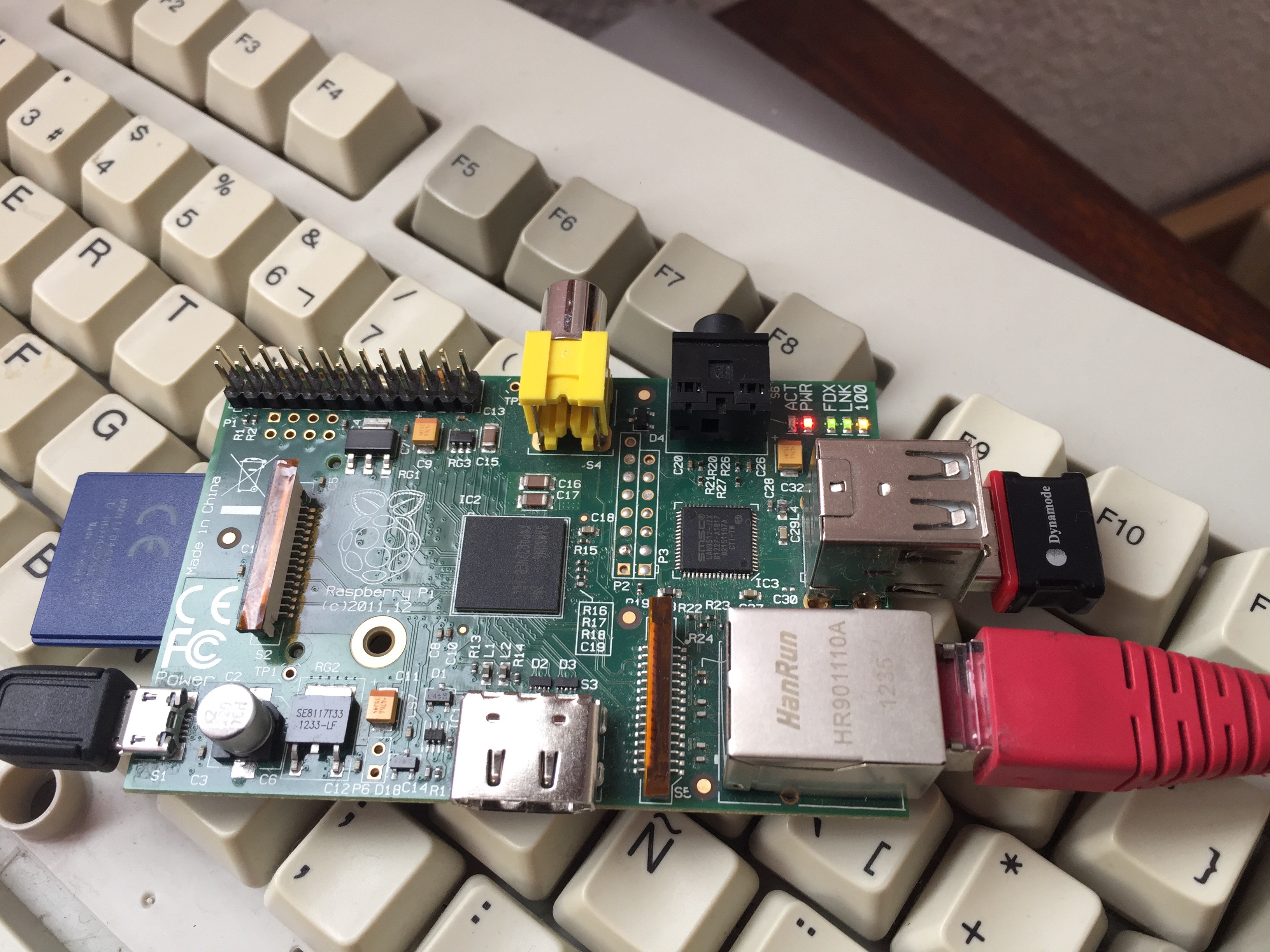
With my raspberry pi, connected via ssh from my iphone, from the comfort of my sofa I wrote the following program in c that iterated with increasing sizes of square matrixes

#include <stdio.h>
#include <stdlib.h>
#include <math.h>
double distancia(int x1,int y1,int x2,int y2){
double distx=x2-x1;
double disty=y2-y1;
double distanciaalcuadrado=abs(pow(distx,2)+pow(disty,2));
double distancia=sqrt(distanciaalcuadrado);
return distancia;
}
void mediaPuntos(int intervalos){
double suma=0;
int contador=0;
double media=0.0;
double distancias=0.0;
int x1=1;
int x2=1;
int y1=1;
int y2=1;
double medianor=0;
for(x1=1;x1<=intervalos;x1++){
for(y1=1;y1<=intervalos;y1++){
for(x2=1;x2<=intervalos;x2++){
for(y2=1;y2<=intervalos;y2++){
contador++;
distancias=distancia(x1,y1,x2,y2);
suma=suma+distancias;
media=suma/contador;
medianor=media/intervalos;
//printf("%d:(%d,%d)-(%d,%d)=%f [%f/%d]=%f\n",contador,x1,y1,x2,y2,distancias,media,intervalos,medianor);
}
}
}
}
printf("%d:%d [%f/%d]=%f\n",intervalos,contador,media,intervalos,medianor);
}
void main(void){
printf("sumando distancias\n");
int intervalos=10;
int intervalosmax=100000;
for(;intervalos<=intervalosmax;intervalos++){
mediaPuntos(intervalos);
}
}

When reaching a 216×216 matrix, the number of combinations was 2 thousand million at which some variable must have exceeded the maximum size of a double type because I started getting negative results.


The result is that the mean distance between any two points in a square is 0.5214 times the length of the side. I have no clue what this ratio means mathematically.

Do you know what 0.5214 represents in a square of side 1? 🙂
Creating a wifi subnet for the dash buttons

It could be useful to have the dash buttons working with the raspberry pi in a place where there is no wifi or internet coverage. The raspberry pi can be setup as a wifi hotspot and the dash buttons configured to join this network. Taking things a bit further, the raspberry pi could be set up to route requests received via the wifi subnet through the cabled network, to the internet router/home network and to the internet.

Yesterday I managed to do this successfully, following this tutorial. Fun times 🙂

The important files for this are:

/etc/network/interfaces
/etc/dhcpcd.conf
/etc/hostapd/hostapd.conf
/etc/default/hostapd
/etc/dnsmasq.conf

recipe of steps I followed

  1. sudo apt-get update
  2. sudo apt-get install hostapd isc-dhcp-server
  3. sudo apt-get install iptables-persistent
  4. sudo vi /etc/dhcp/dhcpd.conf
    1. comment the lines
      1. #option domain-name “example.org”;
        #option domain-name-servers ns1.example.org, ns2.example.org;
    2. uncomment the line
      1. authoritative;
    3. Add the following lines at the end
      1. subnet 192.168.43.0 netmask 255.255.255.0 {
        range 192.168.43.10 192.168.43.50;
        option broadcast-address 192.168.43.255;
        option routers 192.168.43.1;
        default-lease-time 600;
        max-lease-time 7200;
        option domain-name “local”;
        option domain-name-servers 8.8.8.8, 8.8.4.4;
        }
  5. sudo vi /etc/default/isc-dhcp-server
    1. add wlan0 to the INTERFACES variable
      1. INTERFACES=”wlan0″
  6. sudo ifdown wlan0
  7. sudo vi /etc/network/interfaces
    1. allow-hotplug wlan0
      iface wlan0 inet static
      address 192.168.43.1
      netmask 255.255.255.0
  8. sudo ifconfig wlan0 192.168.43.1
  9. sudo vi /etc/hostapd/hostapd.conf
    1. interface=wlan0
      driver=nl80211
      ssid=jarvis
      country_code=US
      hw_mode=g
      channel=6
      macaddr_acl=0
      auth_algs=1
      ignore_broadcast_ssid=0
      wpa=2
      wpa_passphrase=Raspberry
      wpa_key_mgmt=WPA-PSK
      wpa_pairwise=CCMP
      wpa_group_rekey=86400
      ieee80211n=1
      wme_enabled=1
  10. sudo vi /etc/default/hostapd
    1. DAEMON_CONF=”/etc/hostapd/hostapd.conf”
  11. sudo vi /etc/sysctl.conf
    1. net.ipv4.ip_forward=1
  12. sudo sh -c “echo 1 > /proc/sys/net/ipv4/ip_forward“
  13. create NAT rules with iptables
    1. sudo iptables –t nat –A POSTROUTING –o eth0 –j MASQUERADE
    2. sudo iptables –A FORWARD –i eth0 –o wlan0 –m state —state RELATED,ESTABLISHED –j ACCEPT
    3. sudo iptables –A FORWARD –i wlan0 –o eth0 –j ACCEPT
  14. sudo sh -c “iptables-save > /etc/iptables/rules.v4”
  15. sudo service hostapd start
  16. sudo service isc-dhcp-server start
  17. sudo service hostapd status
  18. sudo service isc-dhcp-server status
  19. sudo update-rc.d hostapd enable
  20. sudo update-rc.d isc-dhcp-server enable
  21. sudo reboot
  22. tail -f /var/log/syslog